
I remember playing GTA Vice City years ago and being surprised that the same classic game could eventually be played comfortably on a phone. Recently, I tested the Android version again, and the setup is much easier than the complicated APK and OBB methods you often see on random websites.
If you want to download GTA Vice City for Android in 2026, my biggest recommendation is to avoid unofficial APK websites claiming to offer a “free full version.” Apart from copyright issues, these files can also be modified, outdated, or bundled with unwanted software. The safer option is to use the official store listing from Rockstar Games.
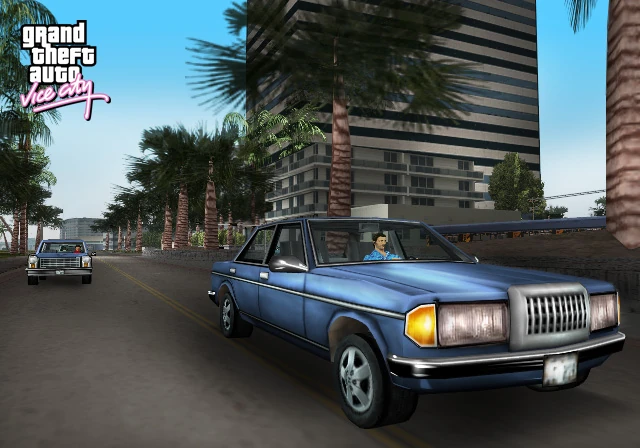
Is GTA Vice City Available for Android?
Yes. Rockstar Games officially lists Grand Theft Auto: Vice City for Android, and the mobile version is still supported. Rockstar’s support page shows an Android update released on January 12, 2026, with general bug fixes and improvements.
There is also a GTA: Vice City – Definitive Edition available on mobile, which is a separate version with updated visuals and other improvements.
So, before downloading anything, check which version you actually want.
How to Download GTA Vice City on Android
Step 1: Open Google Play Store
Open the Google Play Store on your Android phone and make sure you’re signed into your Google account.
Search for Grand Theft Auto: Vice City and check that the developer is Rockstar Games.
The official listing currently shows the game as a paid title, so you should expect to purchase it rather than download an unauthorized free APK.
Step 2: Check the Game Listing
Before purchasing, look at the developer name and screenshots carefully.
This is an important step because there are plenty of similarly named games and unofficial downloads online. The official Rockstar listing is the one you should use.
Step 3: Purchase and Install
After confirming the official listing, complete the purchase through Google Play and tap the install button.
Keep enough free storage available on your phone. I recommend having some extra space rather than installing a large game when your storage is almost full.
Step 4: Open the Game
Once installation finishes, launch GTA Vice City from your app drawer.
The game may require additional files or resources during the initial setup, so keep a stable internet connection available until everything is ready.
Step 5: Adjust the Settings
Before starting the story, spend a minute checking the graphics and control settings.
If your phone isn’t particularly powerful, don’t immediately select the highest available settings. Start with moderate settings and increase them if the game runs smoothly.
What If GTA Vice City Doesn’t Install?
This is where I made a mistake in the past with older Android games: I assumed that every installation problem meant the APK was broken.
That’s not always the case.
First, check your available storage. Then restart your phone and make sure Google Play Store is working correctly.
You should also check whether the game is compatible with your particular Android device. Rockstar has released compatibility improvements for newer Android versions over time, including 64-bit support.
If you downloaded the game from an unofficial website, I’d recommend removing that version rather than trying multiple unknown APK files.
Can You Use a Controller?
If you prefer physical controls, that’s another option worth considering.
Rockstar says its mobile versions of GTA III and Vice City support compatible USB and wireless controllers, depending on the phone and controller hardware.
Personally, a controller can make driving and shooting much more comfortable than touchscreen controls, especially during longer gaming sessions.
Original Version vs Definitive Edition
One thing that can confuse Android users is the difference between the regular mobile version and the Definitive Edition.
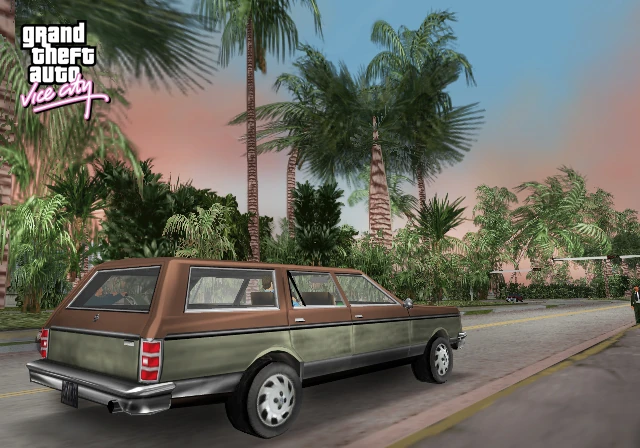
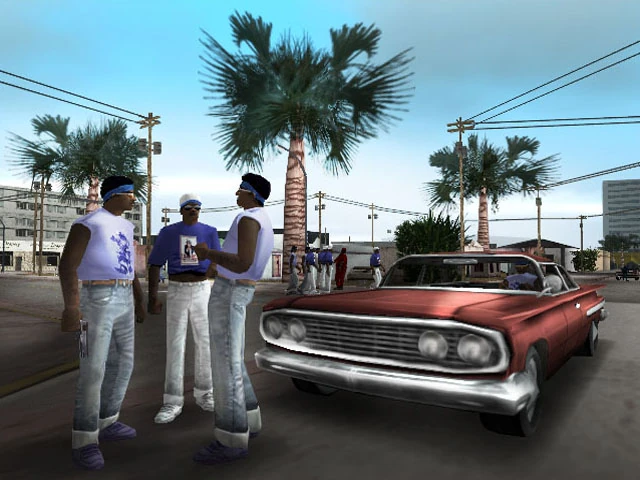
The original mobile release is the classic Vice City experience adapted for smartphones, while the Definitive Edition provides updated visuals and environmental improvements. Rockstar describes the Definitive Edition as an enhanced version of the original trilogy.
If you mainly want the classic experience and your phone supports it, the original version may be enough. If you want upgraded presentation, check whether the Definitive Edition is available and compatible with your device.
Common Mistakes to Avoid
Downloading random APK files:
Don’t assume an APK is safe just because a website says “100% working.”
Ignoring the developer name:
Always check that you’re downloading the official Rockstar Games version.
Installing with almost no storage:
Large games need room for installation and additional files.
Using very high graphics immediately:
If you notice overheating, frame drops, or stuttering, reduce the graphics settings.
Confusing the two mobile versions:
Check whether you’re looking for the original Vice City mobile release or the Definitive Edition before purchasing.
Final Thoughts
Downloading GTA Vice City on Android in 2026 doesn’t need to involve complicated APK, OBB, or unknown-file tutorials. The straightforward approach is to use the official Rockstar Games listing through Google Play, purchase the legitimate version, install it, and then adjust the settings according to your phone.
The game is still a fun way to revisit Vice City’s classic 1980s setting, and Rockstar continues to maintain the Android release with updates and fixes.
If you’re downloading it today, I’d stick with the official version rather than risking a modified copy from an unknown website. It may take a little longer than searching for a “free APK,” but it’s a much safer and more reliable way to get the game running on your Android phone.
